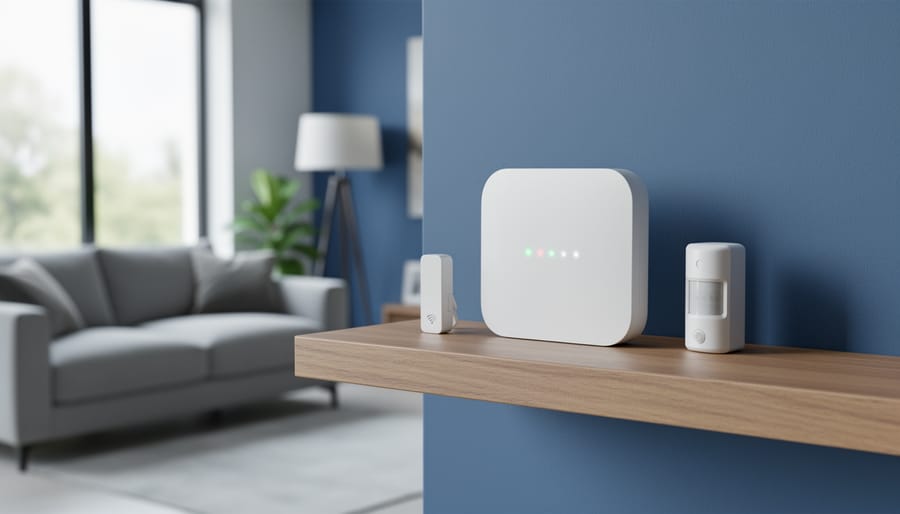
A Zigbee security system is a set of low-power wireless sensors, such as door contacts, motion detectors, and sirens, that talk to a central hub, and it can help get emergency responders to your door only if that hub connects to a monitoring service that dispatches on your behalf. The sensors alone won’t call anyone. That’s the part many DIY setups miss.
The good news is that it’s a friendly project for most homeowners and renters. Plan on an afternoon for basic setup, with no wiring or special tools. The key prerequisite is a hub that supports Zigbee and offers professional monitoring, plus a reliable internet or cellular connection so alerts actually go somewhere.
Before you buy anything, it helps to know three things: whether your hub and devices are compatible, what you’re responsible for once the system is live, and who to contact if an alarm needs a real response. Local rules vary too. Some areas require alarm permits or have policies about verifying alarms before dispatch, so a quick check with your city or police non-emergency line is worth the five minutes.
Below, we’ll walk through what these systems are, what you need to connect one, and where to turn for official help, so you can build something that works when it counts.
How a Zigbee Security System Connects to Emergency Help
The Building Blocks: Sensors, Hub, and Alerts
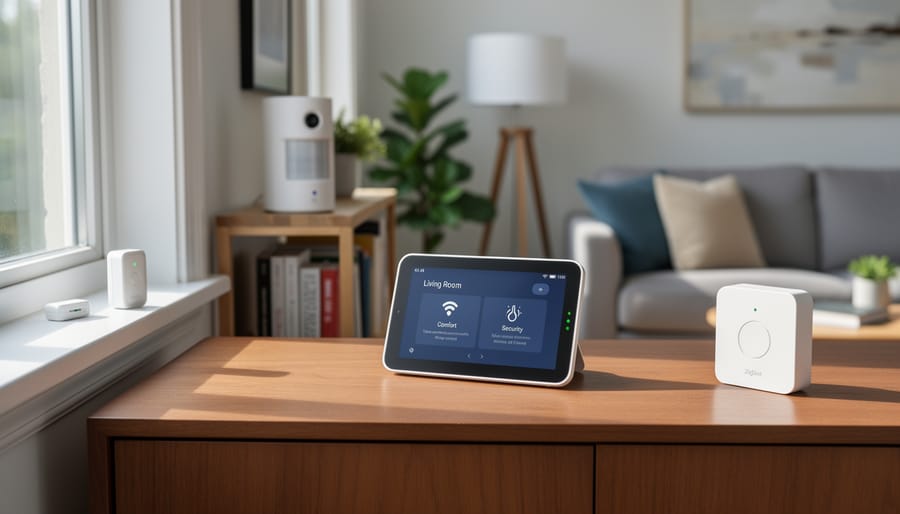
Think of a Zigbee security system as a small team. The sensors are the eyes and ears: door and window contacts, motion detectors, smoke and CO alarms, and sirens. Each one is low-power and only has one job, which is to notice something and say so. They don’t call anyone. That’s what the hub is for.
The hub is the translator and messenger. Because Zigbee links smart devices into a local mesh network, every sensor reports to the hub, and the hub decides what happens next: sound the siren, send a phone alert, or pass the signal to a monitoring center. If the hub goes down, your sensors have nobody to talk to, so it matters most for emergency connectivity.
That’s why backup is worth a little thought. A battery in the hub keeps it running through a power cut, and a cellular or second internet connection keeps alerts flowing if your router fails.
Here’s how the three routes compare:
| Setup type | Who contacts emergency services | Typical ongoing cost | Best fit for |
|---|---|---|---|
| Professional monitoring | The monitoring center dispatches responders | Monthly plan, varies by provider | Anyone wanting hands-off protection |
| Self-monitoring with app alerts | You, after checking the alert | Low to none | Budget-minded, always-reachable owners |
| Hybrid | You or the center, depending on the alert | Low to moderate | Renters or flexible, as-needed coverage |
If you like the no-contract route, our guide to self-monitored systems is a good place to start.
What Triggers an Emergency Response (and What Shouldn’t)
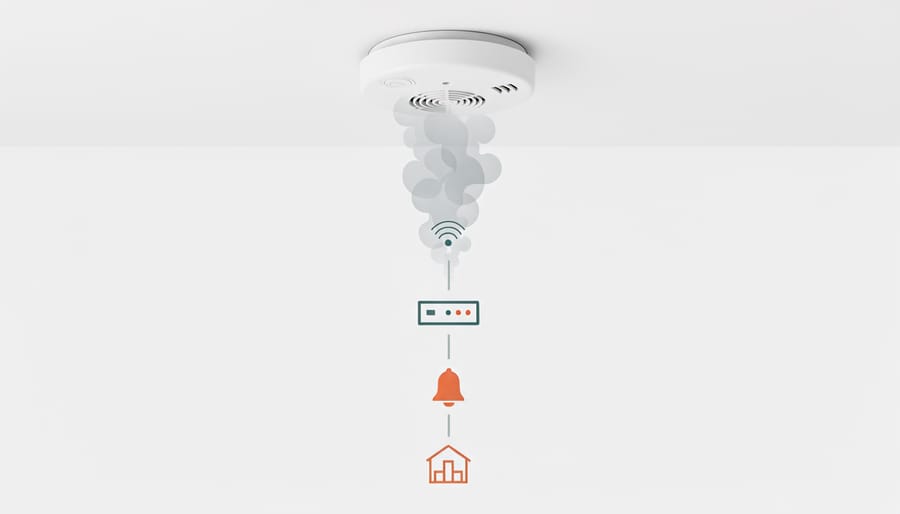
Most Zigbee systems treat a short list of events as true emergencies. Smoke and carbon monoxide detections come first, since those can’t wait. A glass-break sensor, a panic button you press yourself, and a door or window opening while the system is armed are the other usual triggers. When any of these fires, your hub passes the alert along to your monitoring service or phone app, which starts the emergency response process.
Not every alert should send responders, though. A pet bumping a motion sensor or a guest forgetting the code is common. That’s why many monitoring centers add a verification step, calling you first to confirm everything’s fine before dispatching help. If you answer and give your passcode, the alarm is cancelled. If you don’t pick up, they move ahead. Keeping your phone number current makes this step work smoothly and cuts down on false alarms.
Who Can Set This Up? Requirements for Connecting Your System to Emergency Services
Renters and Homeowners: What’s Different
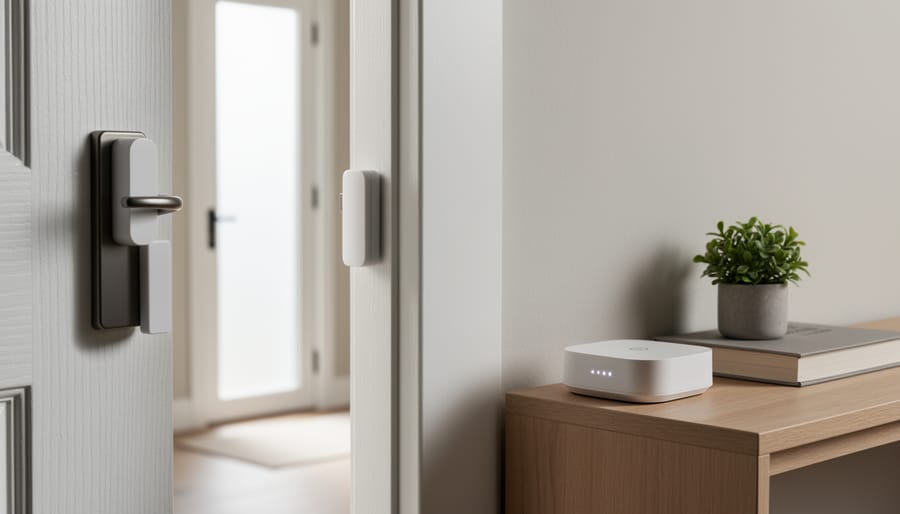
Renting and owning both work with Zigbee, you just start from different places. Renters usually do best with peel-and-stick contact sensors, a portable hub you can unplug and take along, and zero wiring, so there’s nothing to patch when you move out. Homeowners have more room to play, like hardwired add-ons or tying the system into existing smoke and CO alarms. If you’re still choosing a system keep your living situation in mind.
Either way, run through this quick checklist before you connect to emergency monitoring:
- A hub that’s compatible with your monitoring provider.
- An active monitoring plan, if you want professional dispatch.
- A stable internet or cellular connection.
- Backup power for the hub and router.
- Landlord approval, if you’re renting.
- Local alarm registration, where it’s required.
- Your correct address and up-to-date contact details.
Tick those off and you’re in good shape, whichever side of the lease you’re on.
Setting Up Emergency Monitoring Step by Step
Expert Tips for a Smoother Setup
A smooth setup comes down to a few habits that save you hassle later. Before you trigger any alarm, put the system in test mode so a practice run doesn’t turn into a real dispatch.
Next, tell everyone in your household, and your neighbors if sirens are loud, what to expect. A quick heads-up keeps a test from causing alarm, and it helps kids and guests know what to do if a real one sounds.
Batteries deserve a schedule, too. Most Zigbee sensors are low-power, but they still run out, so jot down a replacement date on your calendar rather than waiting for a low-battery chirp at 2 a.m. If you’d like a refresher on the basics, here’s how you can set up your own system in an afternoon.
Finally, review everything a couple of times a year: contacts, address, sensor placement, and battery levels.
Your Rights and Responsibilities as a Smart Security Owner
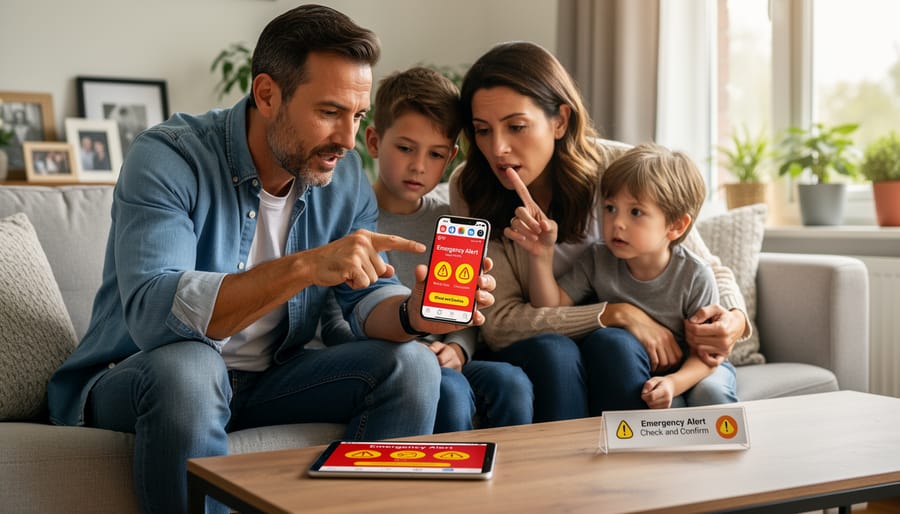
A good monitoring provider should make the basics easy to find before you sign anything. That means plain-language contract terms, a clear explanation of what happens when an alarm trips, and straightforward cancellation and renewal conditions. Ask whether the plan auto-renews, how much notice you need to give to cancel, and whether equipment fees or early-termination charges apply. You should also be able to find out what data the service collects, who it’s shared with, and how long it’s kept. If the answers are buried or vague, that’s worth noticing.
On your side, a few habits keep everything working smoothly:
– Keep your address, phone numbers, and emergency contacts up to date, especially after a move or a new phone number.
– Answer verification calls and know your safe word or passcode, so the center can confirm quickly whether you need help.
– Replace sensor batteries on a schedule and test the system a couple of times a year.
– Look up your local false-alarm rules. In some areas, repeated false alarms can lead to fines or lower responder priority, and some places require an alarm permit.
Most false alarms come from simple things, like a pet triggering a motion sensor, a window left ajar, or a family member forgetting the code. Placing sensors thoughtfully, using pet-friendly motion detectors, and making sure everyone in the house knows how to disarm the system go a long way. Most monitoring centers will let you cancel an alarm if you reach them quickly, so keep their number handy.
Privacy deserves the same attention. Door sensors log when they open, and cameras and microphones may capture video or audio. Take a few minutes to review your app’s sharing settings, check who has access to your account, and learn how to protect your privacy as your system grows.
Where to Get Help and Answers
Real emergencies always come first: if there’s a fire, a break-in, or a medical crisis, call your local emergency number before you touch an app. Your Zigbee system is a helpful supplement, not a replacement for that call.
For everything else, here’s who to turn to:
– Your monitoring provider’s support line can answer questions about plans, verification calls, and test mode.
– The hub or device manufacturer is the best source for pairing problems, firmware updates, and troubleshooting.
– The local non-emergency police or fire department line can tell you how alarm registration works in your area.
– Your city or county permit office can confirm whether you need an alarm permit and what the false-alarm rules are.
– Your landlord or property manager can approve sensors, hubs, or sirens if you rent.
– Your home insurance company can explain any discounts or requirements tied to security systems.
– The Zigbee Alliance’s official certification resources are handy for checking whether a device is compatible with your hub.
Keep these contacts in one note on your phone so you’re never searching mid-stress.
Common Questions About Zigbee Security and Emergency Services
Most readers have a handful of the same questions before they connect anything, so here are the quick answers. Details change by provider and location, so treat these as general guidance and double-check your local rules.
Can a Zigbee system call 911 directly?
Typically not on its own. Zigbee is just the wireless link between your devices, so it’s the hub, your internet or cellular connection, and a monitoring service that actually reach responders. If something serious is happening, call your local emergency number yourself first.
Does it still work during a power or internet outage?
It depends on your hub. Some have battery backup and cellular backup, while others go quiet without power or Wi-Fi. Check your hub’s specs, and consider adding backup power if outages are common where you live.
Do I need professional monitoring?
No, plenty of people run a self-monitored setup and respond to app alerts themselves. Professional monitoring simply adds someone who can verify an alarm and dispatch help when you can’t get to your phone.
Will I be fined for false alarms?
Some cities and counties do charge fees or lower response priority after repeated false alarms, but rules vary widely. Contact your local non-emergency line or permit office to see what applies to you, and use test mode whenever you’re checking the system.
Can you bring your own devices to a monitoring service? Often, yes, as long as your hub is compatible with that provider, so confirm that before you sign up. Because policies and fees differ from place to place, a quick call to your provider and your local alarm program is always a smart first step.
Here’s the big picture: your Zigbee sensors do the noticing, your hub and monitoring plan do the connecting, and you stay in charge the whole way through. Door contacts, motion detectors, and smoke alarms spot the problem. The hub passes the word along, and a monitoring service or your own phone gets it to the people who can help. Nothing about that has to feel complicated.
You also don’t need to do everything at once. Pick one small step to start. Check whether your hub works with the monitoring provider you’re considering, or look up your city or county’s alarm registration rules. Either one takes just a few minutes, and it sets you up for a smooth install.
Remember that a smart system adds to your safety rather than replacing the basics, so a real emergency always goes to your local emergency number first. Take it one device at a time, and you’ll end up with a home that feels secure and simple to manage.