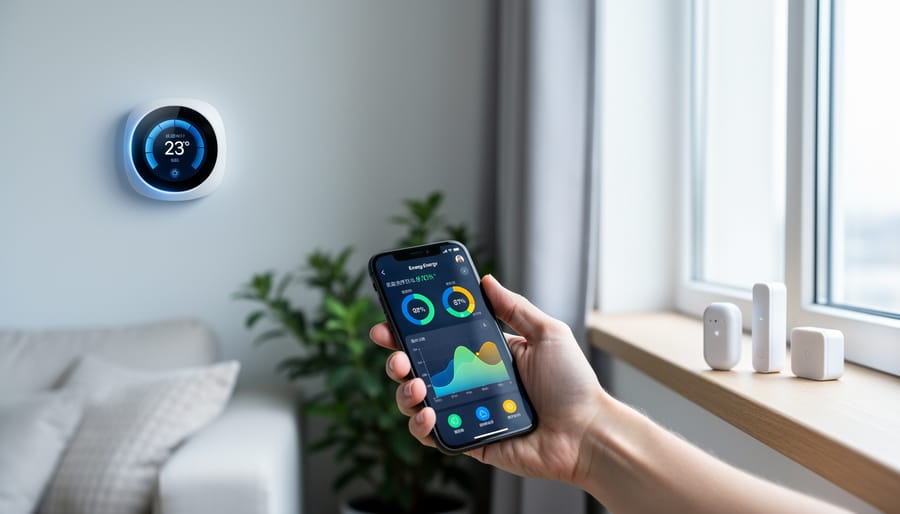
A smart home resource optimization system pays off when it targets the thing that’s costing you most, whether that’s an overworked thermostat, a leaky water line, or lights burning in empty rooms. These systems use sensors, smart plugs, thermostats, and a central app to track how you use energy and water, then automate or suggest ways to cut the waste. Picking one takes about an hour of honest thinking, no tools required.
Start with your biggest waste area. If winter heating bills make you wince, a smart thermostat deserves your first look. If you’re renting and can’t touch the wiring, plug-in monitors and smart plugs are the easier route. Then check compatibility before you buy anything, because a system that won’t talk to your existing devices quickly becomes a drawer ornament.
Below, we’ll walk through the decision criteria, compare the main system types, and match them to common situations, so you can invest with confidence and skip the regrets.
What Home Optimization Actually Means (and Why It’s Worth Your Attention)
At its core, home optimization is a simple loop: your home gathers information, software makes sense of it, and your devices respond. That’s what a Smart Home Resource Optimization System does. Think of it as a quiet assistant that watches how you use energy and water, then nudges things toward less waste.
It starts with sensors and smart devices. Thermostats, plugs, lights, and water sensors collect data on what’s running, when, and for how long. The software then looks for patterns, like a heater warming an empty room or a sprinkler running after rain. Finally, automations step in and adjust heating, cooling, lighting, and water use without you lifting a finger.
A couple of terms are worth knowing. Occupancy sensing just means the system notices whether anyone is in a room, so lights and climate can ease off when nobody’s there. Load scheduling means running heavy-duty appliances at smarter times, such as when electricity demand is lower. Many devices now speak a shared language through the Matter smart-home standard, which helps products from different brands work together.
So why bother? The payoff shows up in everyday ways: potentially lower bills, a home that feels more comfortable without constant fiddling, and fewer chores on your plate. Results vary from home to home, so treat any promised savings number with a healthy dose of skepticism. The real win is a house that quietly looks after itself, leaving you more time for the things you actually enjoy.
Key Buying Factors: What to Look for Before You Commit
Compatibility With the Devices You Already Own
Before you fall for any feature list, check what the system can actually talk to. A home optimization setup is only as smart as the devices it can reach, and a mismatch is the most common reason people end up with an app that does very little.
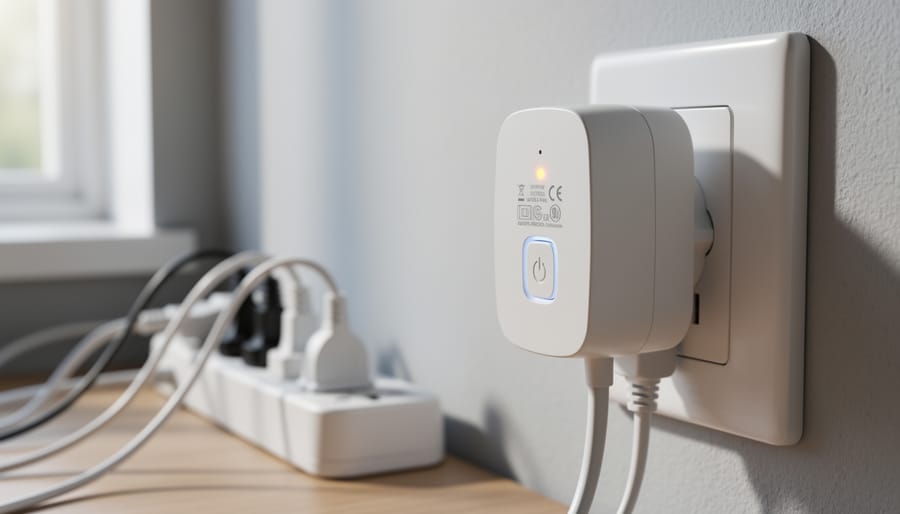
Start with the big four: your thermostat, smart plugs, lights, and voice assistant. Write down the brand and model of each, then see whether the system lists them as supported. A system that controls your thermostat but ignores your plugs will leave real gaps.
Look for support for common standards, too. The Matter protocol is a shared language that lets devices from different brands work together, which makes mixing brands far less painful. Good integration means your devices cooperate instead of living in separate apps.
Finally, confirm current compatibility on the product’s own listing. Support changes over time, so that page is your most reliable source.
Ease of Setup, Renter-Friendliness, and Everyday Use
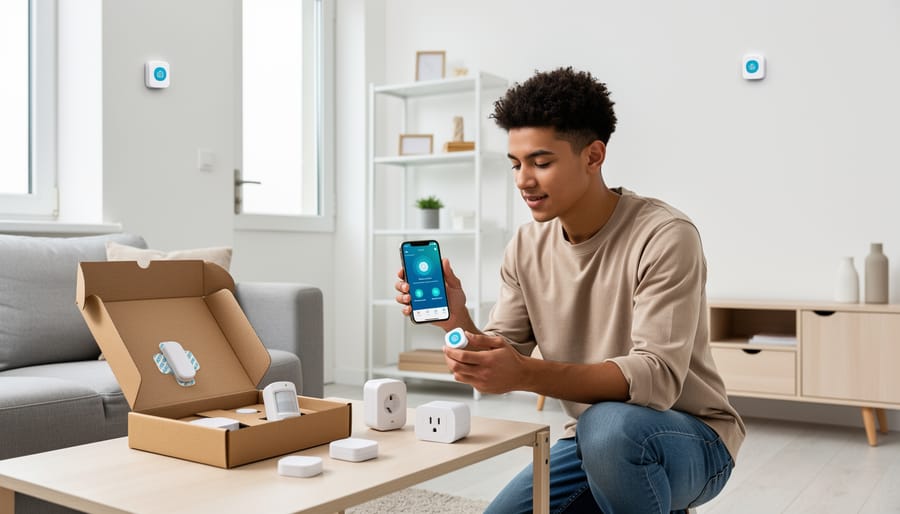
Setup should feel manageable, not like a weekend project. Many systems rely on plug-in smart plugs, battery-powered sensors, and peel-and-stick devices, so you can get started with no tools and no electrician. That’s great news for renters, since nothing needs to be drilled, rewired, or left behind when you move. Hardwired options, like some thermostats or in-wall switches, usually call for a licensed pro (or at least a confident DIYer) and your landlord’s okay.
Then there’s the app, which is where you’ll spend most of your time. A good one gets you from download to your first working automation in under an hour, with clear prompts along the way. Try this: open it and see if you can find your current energy or water use, and change one setting, without hunting through menus.
Also check how well it handles everyday moments, like a guest wanting the lights on or a quick temperature tweak. Simple, forgiving controls beat fancy ones every time.
Privacy, Data Handling, and Ongoing Costs
Smart home systems learn from your habits, which means they collect data about when you’re home, how you use energy and water, and sometimes even which rooms are occupied. That’s what makes them useful, but it’s worth knowing where that information goes before you sign up.
Start with the privacy policy. It’s rarely exciting reading, but a few minutes will tell you whether data is stored locally on a hub in your home or sent to the company’s cloud servers. Then check what permissions the app asks for. A thermostat app that wants access to your contacts or precise location at all times deserves a second look.
Next, look at the real cost. Some systems charge once for the hardware and keep core features free. Others lock automation, long-term history, or advanced insights behind a monthly or yearly plan. Check the product’s own listing to see which features need a subscription.
When comparing options, add up the total cost over a few years rather than just the sticker price. A cheaper device with a required subscription can end up costing more than a pricier one with no ongoing fees.
Insight Quality and Automation Flexibility
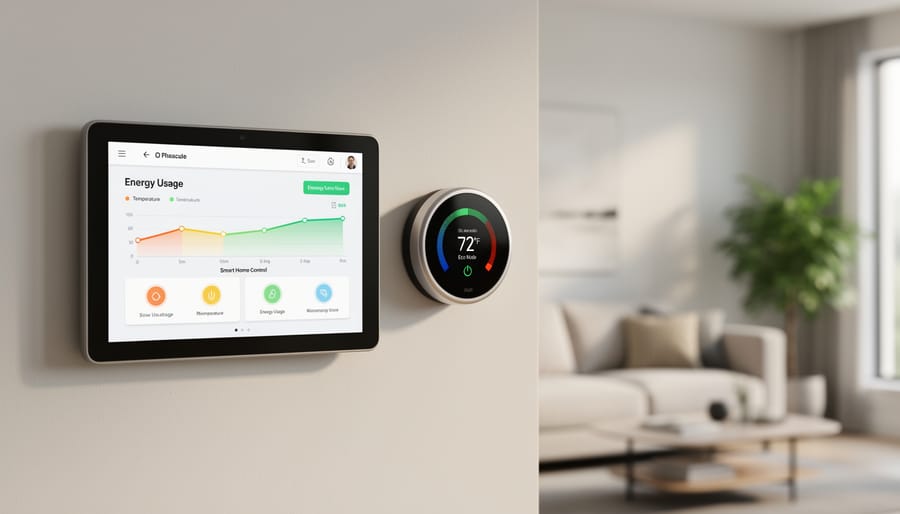
Some systems only show you charts. You get a tidy graph of last week’s energy use, and then you’re on your own to figure out what to do about it. That’s useful for awareness, but it doesn’t change much by itself.
A stronger system goes a step further. It points out patterns, like a heater running while no one’s home, and offers a specific suggestion you can accept in a tap. The best ones can then act on it automatically, adjusting schedules as your routines shift. That’s the idea behind a home that learns from how you actually live.
Automation only works if you stay in charge, though. Look for easy manual overrides, such as a quick way to pause a schedule, nudge the temperature, or turn off a rule for the weekend. If a system makes the house feel too cold or too dim, you’ll abandon it fast. Flexible, adjustable automation keeps your home comfortable while the savings quietly add up.
Types of Systems Compared: Which Approach Fits Your Home?
Once you know what to look for, it helps to see how the main approaches differ. Most home optimization setups fall into four categories, and each one is built around a different priority. None is automatically better; the right one depends on where your home loses the most energy, water, or time.
| System type | What it optimizes | Best suited for | Main consideration |
|---|---|---|---|
| All-in-one smart home platform | Energy, comfort, and convenience across many devices | Households that want one app and one set of routines | Broad coverage can mean less depth in any single area |
| Dedicated energy monitoring system | Electricity use, down to individual circuits or appliances | Homes with high bills or a curiosity about what’s drawing power | May need professional installation and offers insight more than automation |
| Smart thermostat and climate system | Heating and cooling schedules and comfort | Beginners and renters wanting a simple first step | Savings depend on your HVAC setup and habits |
| Water monitoring and leak detection | Water use and early warning of leaks | Older homes, basements, and water-conscious households | Protects and informs, but does little for energy bills |
An all-in-one platform is the natural fit if you like the idea of everything living in one place. Lights, plugs, sensors, and thermostats can share routines, so a “leaving home” scene might dim lights and lower the heat at once. The trade-off is that a generalist tool may not give you the detailed view a specialist would, and you’ll want to double-check that it plays nicely with the devices you already own.
A dedicated energy monitor is for the reader who asks, “Where is all my electricity going?” It answers that question clearly, often showing which appliances are the biggest drains. The catch is that it mostly informs. You still have to act on what you learn, or pair it with other devices that do the adjusting.
Climate-focused systems are the friendliest starting point. A smart thermostat handles one of the largest slices of home energy use and is usually easy to understand. It’s also where renters often begin, since many models are simple to swap in and out. Just remember that results vary with your insulation and heating equipment.
Water-focused tools are the quiet heroes of the group. A leak sensor under the sink or near the water heater can flag a small problem before it becomes an expensive one. They suit older properties especially well, though they won’t trim your electricity use.
Whichever direction you lean, a tidy list of what you already own makes the choice easier. Keeping a simple smart home inventory lets you spot compatibility gaps before you buy anything new.
Recommendations: Matching a System to Your Situation
Rather than naming a single “best” product, the smartest move is to match the setup to your situation. Think of it as choosing the right tool for the job you actually have. Here’s a quick-pick list to get you oriented:
- Renters: a plug-in setup with smart plugs and a thermostat-friendly or monitoring option that needs no wiring, so everything comes with you when you move.
- Smart home beginners: one all-in-one platform paired with a single smart plug on your most power-hungry device.
- Larger or older homes: a dedicated energy monitoring system plus a smart thermostat to spot where the waste hides.
- Water-focused households: a leak-detection and water monitoring system, starting with a sensor near your water heater or washing machine.
Renters get the most value from flexibility, so favor anything that plugs in or clips on rather than anything that needs an electrician. Beginners do best by keeping things simple: one app, one or two devices, and a little patience while you learn how your home behaves. If you live in a bigger or older house, wiring quirks and uneven rooms are common, which makes monitoring the smartest first investment. You can’t fix what you can’t see.
Households trying to cut water use should lean on leak sensors first, since a slow, hidden drip can quietly waste more than any habit change. Whatever your situation, the goal is the same: choose tools that fit how you live, because a system that makes life easier is one you’ll actually keep using.
Not sure where to begin? Try this low-effort starter path:
1. Check which devices you already own and confirm they work together.
2. Add one smart plug or sensor to your biggest source of waste.
3. Watch the data for a week or two before changing anything.
4. Turn on one simple automation, like a schedule, and see how it feels.
5. Add a second device only once the first has earned its place.
Small, steady steps beat a big overhaul every time.
Mistakes to Avoid When Setting Up Your System
Most setup frustrations come from a handful of predictable missteps, and every one of them is easy to sidestep once you know what to watch for.
Buying before checking compatibility. It’s tempting to grab a good deal on a gadget, only to find it won’t talk to your thermostat or voice assistant. The fix: list the devices you already own, then confirm support on the product’s own listing before you buy anything new.
Automating everything at once. When ten automations kick in on day one, it’s hard to tell which one made your living room chilly. Start with a single routine, like a heating schedule, and add more once it feels right.
Ignoring privacy settings. Apps often request more permissions than they need. Take ten minutes after installing to review what’s shared, switch off anything unnecessary, and skim the privacy policy for where your data lives.
Skipping the learning period. Many systems need a couple of weeks of data before their suggestions become useful. Give it time, check in occasionally, and resist the urge to overhaul settings after a single odd day.
Overlooking family comfort preferences. One person’s perfect temperature is another’s deep freeze. Ask everyone in the household what feels comfortable, build those preferences into the schedule, and make sure a simple manual override is always within reach.
Small, patient steps beat a big-bang setup nearly every time, and they keep your home feeling like yours.
Frequently Asked Questions About Home Optimization Systems
Do home optimization systems work in rentals?
Yes, many do. Plug-in smart plugs, clip-on energy monitors, and smart bulbs install without tools or permanent changes, so you can take them with you when you move. Just check your lease before swapping out anything that’s hardwired, like a thermostat.
Do I need a subscription?
Not always. Some systems cover the basics for free, while others put advanced insights or longer data history behind a monthly fee. Check the product’s own listing and compare the total cost over a year or two, not only the upfront price.
How long until I notice a difference?
It varies by household. Most systems need a short learning period to understand your routines, so give it a few weeks before judging results. You’ll likely spot comfort and convenience improvements first, with bill changes showing up over a full billing cycle or two.
Will it still work if my internet goes down?
It depends on the system. Some devices keep running local schedules and manual controls without a connection, while others lose app access and cloud-based features until you’re back online. If this matters to you, look for products that mention local control.
If you’re still weighing your options, don’t worry about having every answer upfront. Most of these questions get clearer once you start small with one device and see how it fits into your daily routine.
Choosing a home optimization system doesn’t have to feel like a big leap. The right pick is the one that targets your biggest source of waste, whether that’s energy, water, or simply your time, and plays nicely with the devices already in your home. If a system needs you to replace everything you own, it probably isn’t the right fit.
So start small. Pick one problem, like a thermostat that heats an empty house or a faucet that drips more than you’d like, and solve that first. Watch how your household responds, adjust the settings until the home feels comfortable, and let your confidence grow from there. Every smart addition builds on the last.
You’ve got the criteria, the comparisons, and the pitfalls to avoid. Now it’s just a matter of taking one easy step. This week, check what your current devices support and choose a single place to begin. Your future self, and your utility bills, will thank you.